


This is your one stop shop for all students and parents/caregivers
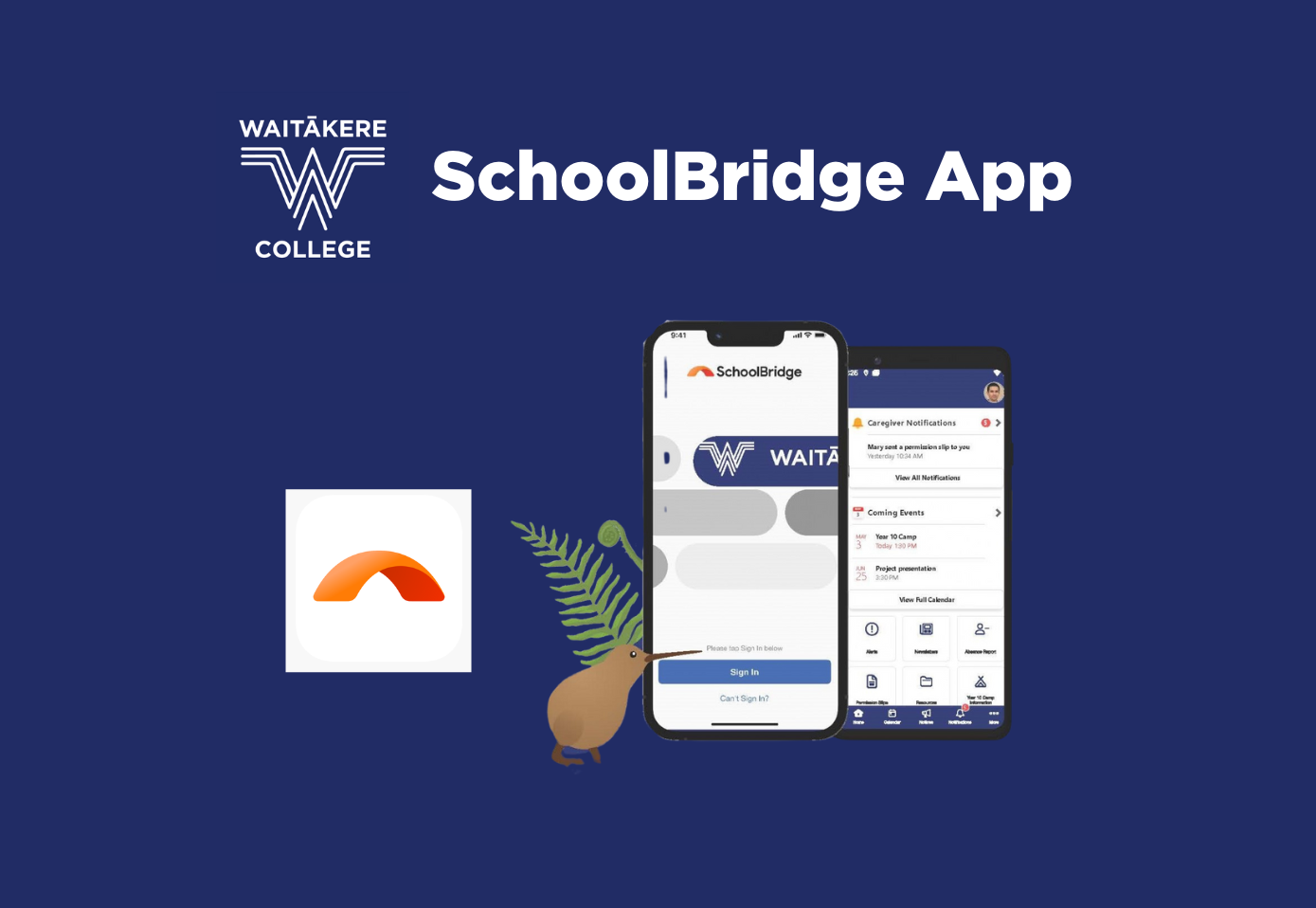
SchoolBridge is the central sign-in point for our school, providing easy access for Students and Parents/Caregivers.
Caregivers can easily switch between their children's profiles to view:
- Attendance summaries
- Student timetable
- Permission slips and other forms
- NCEA summary
- Alert messages
- Booking Whānau Conferences
- Reports
- Find all the school newsletters in one place
- Easily find the term dates for the year
- Securely report your child's absence from school
SchoolBridge can be used from any web browser and is also available as an app for mobile devices.
Web Sign In Instructions
● Go to our school’s homepage and click the PORTAL button or click HERE
● Click on your account type: Parent/Caregiver, Student, or Staff
● Students and Staff can sign in using their school Google accounts
● Parents & Caregivers can sign in using the email address you have registered with the school
SchoolBridge Mobile App Instructions
To use the app, you must first install it on your device. Scan the QR code with your phone's camera to install the app or click one of the links below.
Android Google Play Store or Apple App Store
Once the app is installed, you tap the SchoolBridge Icon on your home screen and use the same sign as you would for the web version. Once signed into the app, you remain signed in.
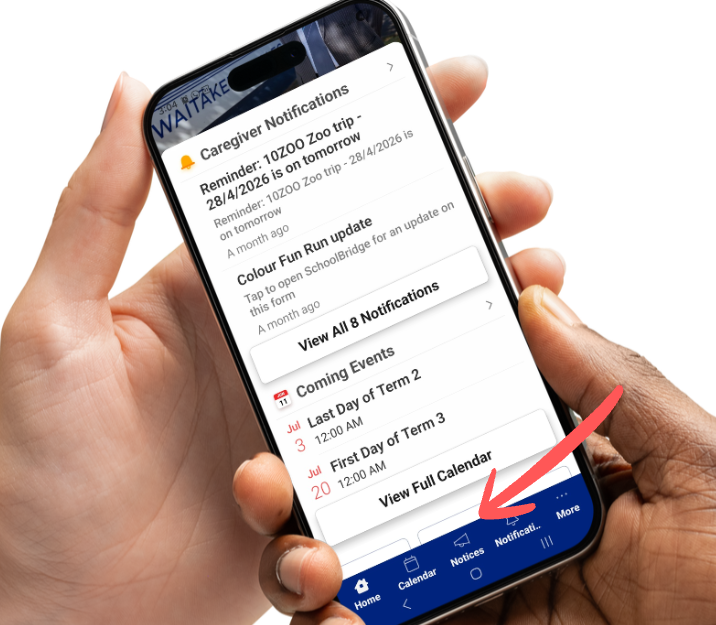
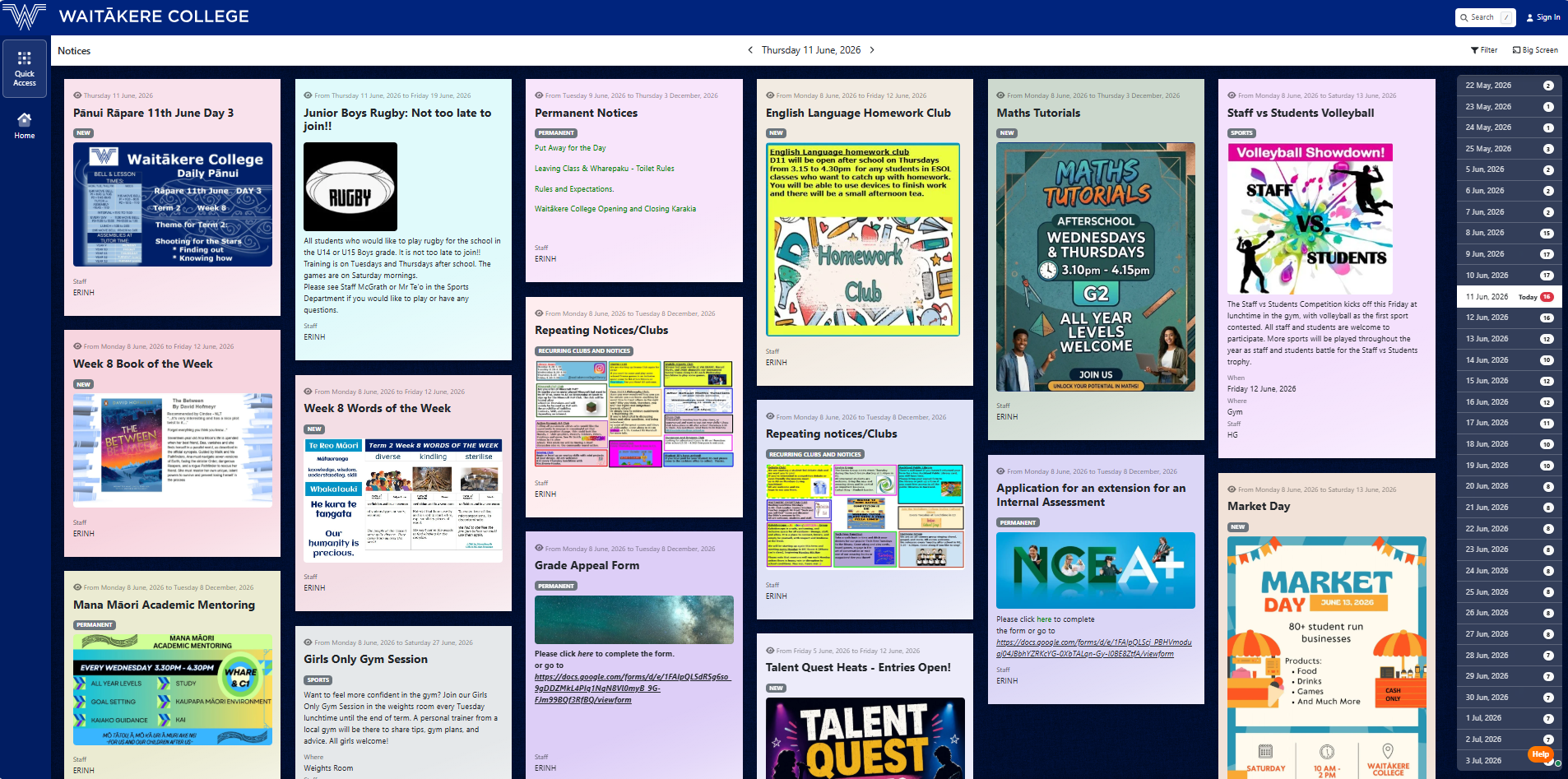
The Daily Pānui has also moved to SchoolBridge, making it easier than ever to stay up to date with sports notices, after-school clubs and homework sessions, events and more!
 |  |


 42 Rathgar Rd